

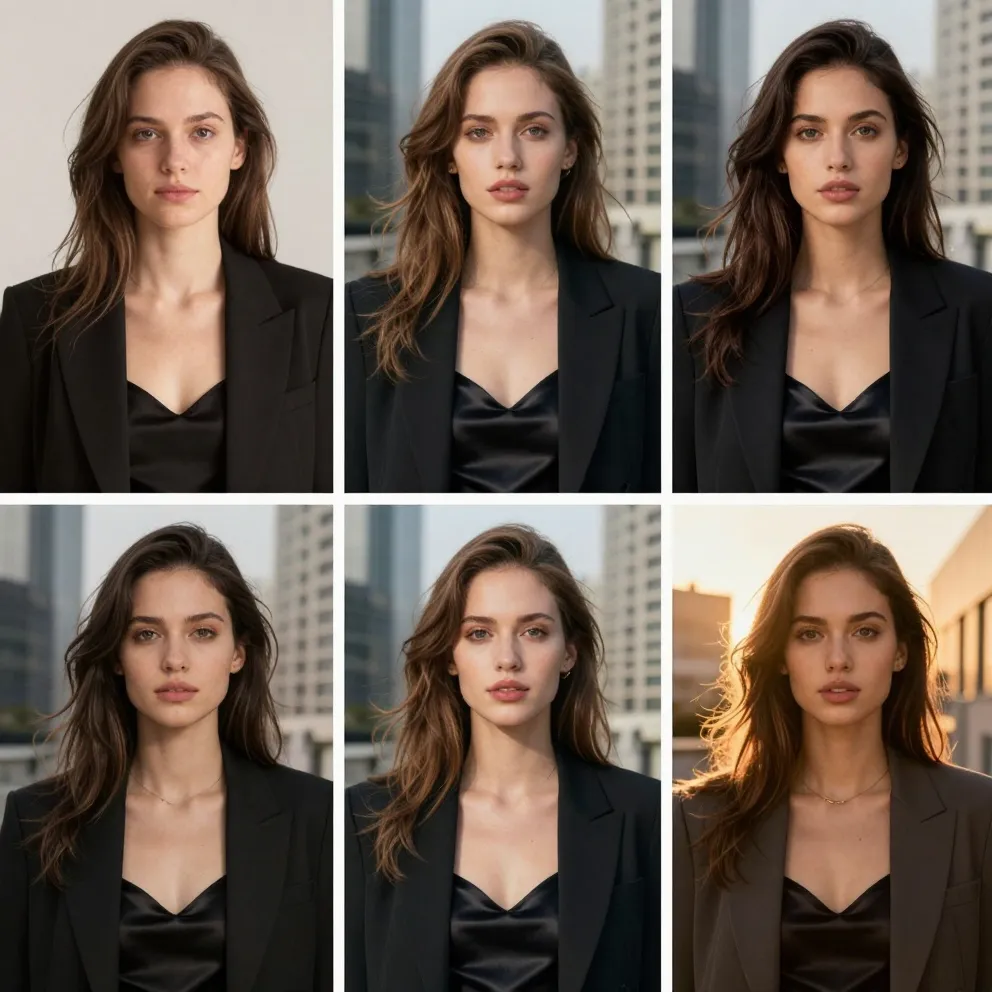
Product Photos
Clean up distractions and test backgrounds that keep the product clear and recognizable.
Example: “Remove the keys and use a warm studio background; keep the mug unchanged.”
Upload a photo and describe the change you want. Remove distractions, replace backgrounds, enhance details, or create a new look without advanced editing skills.
History is kept for 24 hours. Older items are automatically removed.
Our AI photo editor brings the photo edits you make most often into one prompt-led workspace.
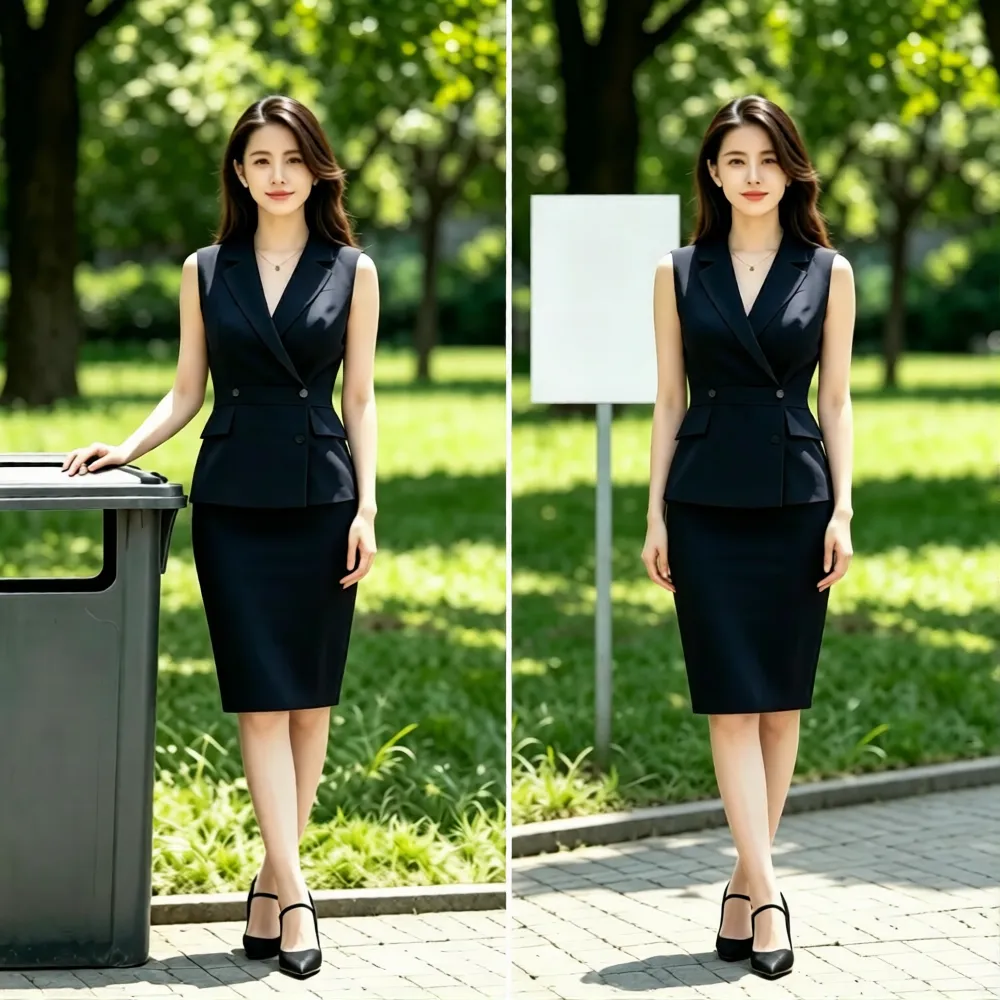
Tell the AI exactly which object or person to remove. It will naturally reconstruct the surrounding background while keeping the main subject unchanged.
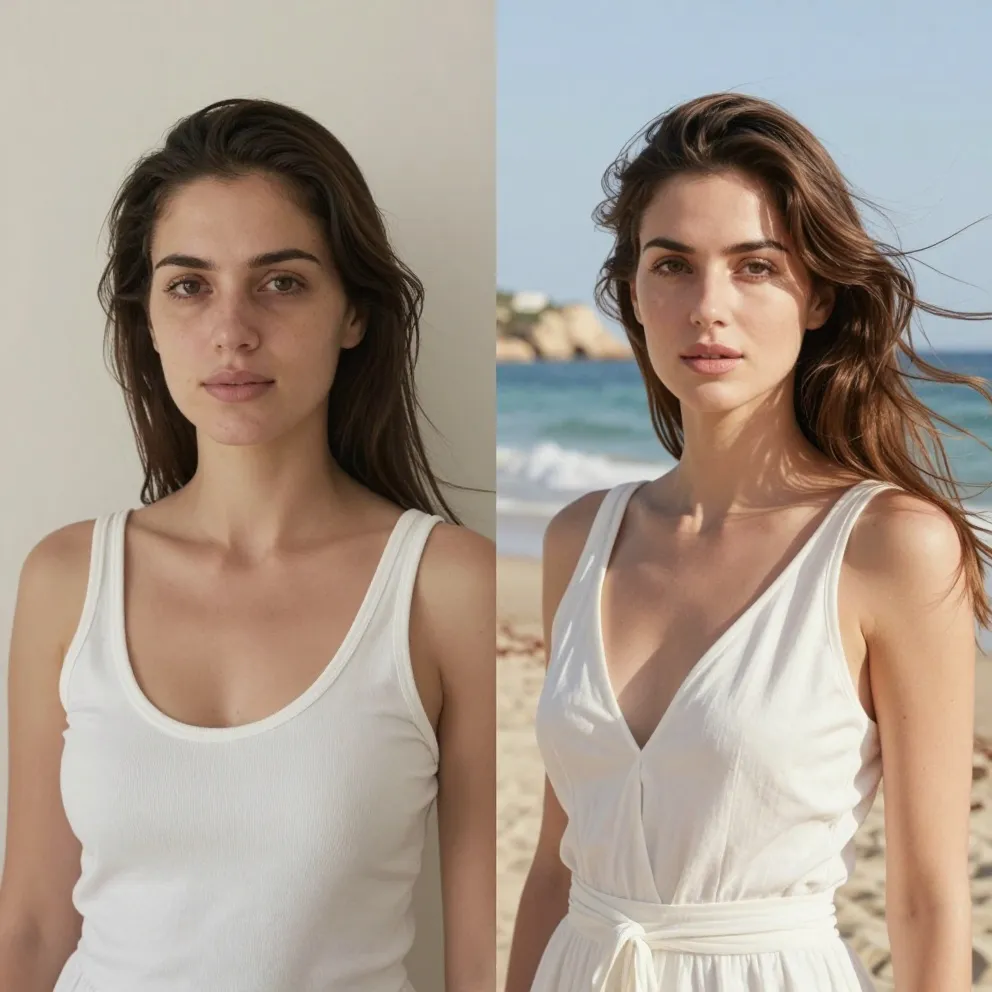
Move a portrait or product into a new setting while describing the lighting, color, and mood you want.
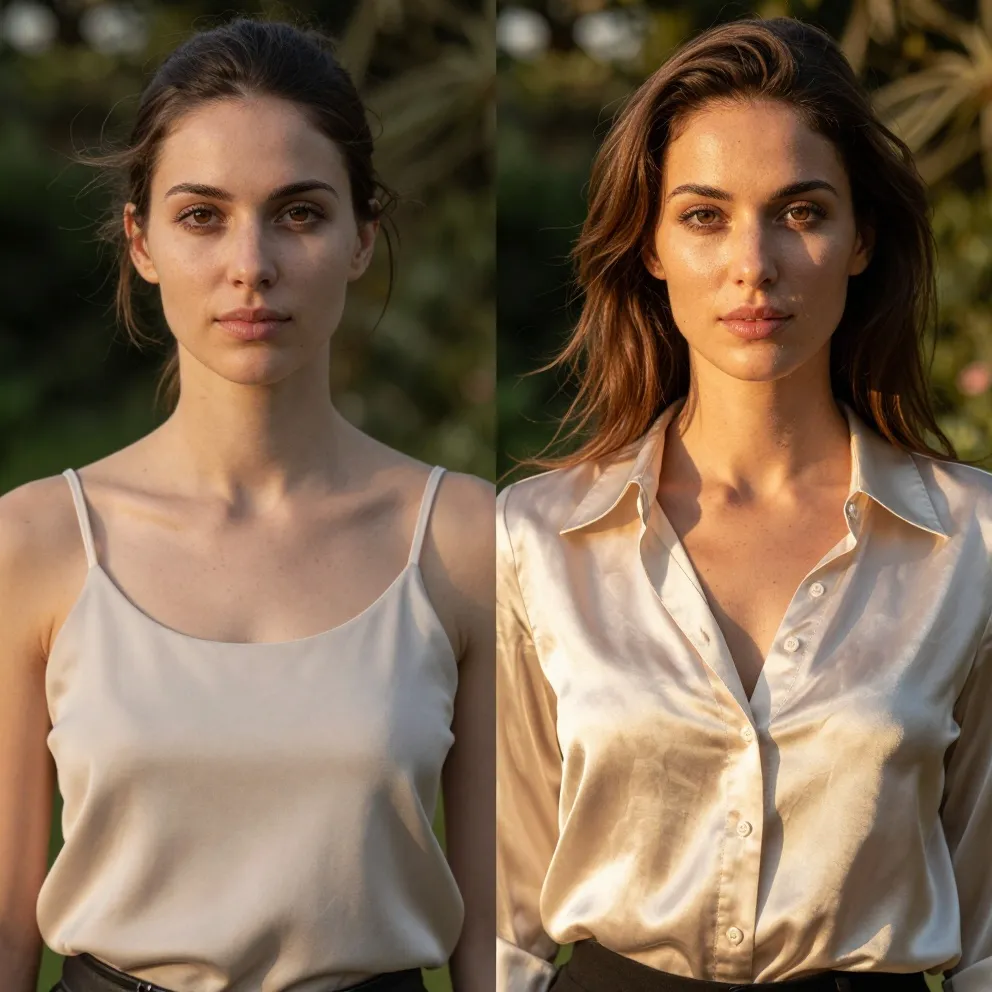
Improve clarity, refresh lighting, or create a new style while using the original photo as your reference.
The AI photo editor helps you upload, describe, review, and refine your result in a few simple steps.
Choose the source image you own or have permission to edit.
Write one clear prompt and name any details that must remain unchanged.
Compare the result, adjust your prompt if needed, and save the version you prefer.
Use the AI photo editor with a real photo and guide the result with a clear description of the change.
Clean up distractions and test backgrounds that keep the product clear and recognizable.
Example: “Remove the keys and use a warm studio background; keep the mug unchanged.”
Refine the setting or overall look while explicitly preserving identity and natural skin texture.
Example: “Use soft window light and a neutral office background; keep the face unchanged.”
Create fresh campaign variations from an existing photo without rebuilding the layout from scratch.
Example: “Create a bright summer color grade with clean negative space on the left.”
The AI photo editor should only be used with photos you own or have permission to edit. Avoid deceptive, harmful, or non-consensual edits. Free credits and model-specific limits may apply, and the editor will ask you to sign in or upgrade when more credits are needed.
Straight answers about editing, credits, formats, and responsible use.