Editor de imágenes con IA gratis

Sube una foto y describe el cambio que quieres. Elimina objetos, cambia fondos o mejora los detalles sin complicarte.

0/2
Subir imagen
0/2000
Sistema operativo Inicia sesión para omitir la comprobación

History is kept for 24 hours. Older items are automatically removed.

Aún no hay historial.
Prueba gratis
Funciona en tu navegador
Edición con instrucciones
Sin experiencia de diseño
Editor de fotos con IA online y gratis

Editor de fotos con IA online y gratis

Describe el cambio con tus propias palabras y deja que la IA edite tu foto en segundos.

Todo lo que puedes hacer con el editor de fotos con IA

Realiza las ediciones más habituales desde un único espacio guiado por instrucciones.
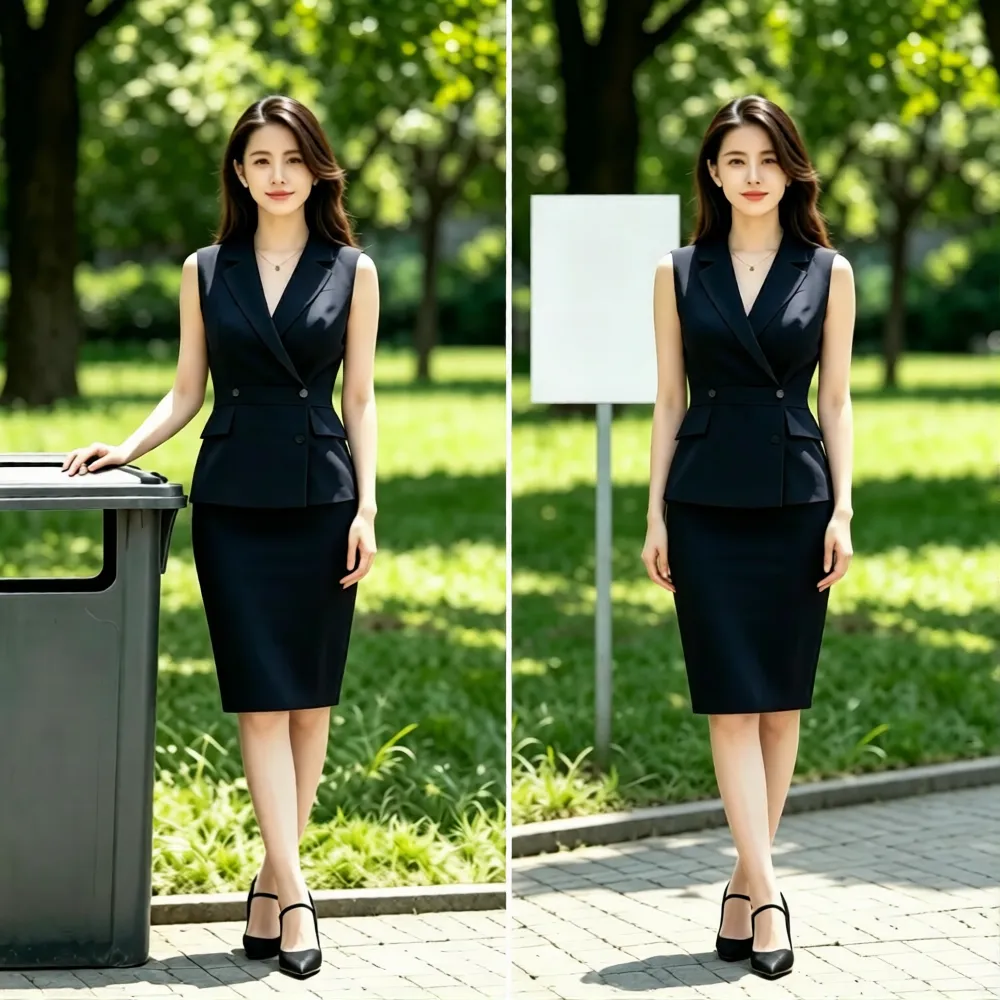
Remove Unwanted Objects

Remove Unwanted Objects

Tell the AI exactly which object or person to remove. It will naturally reconstruct the surrounding background while keeping the main subject unchanged.
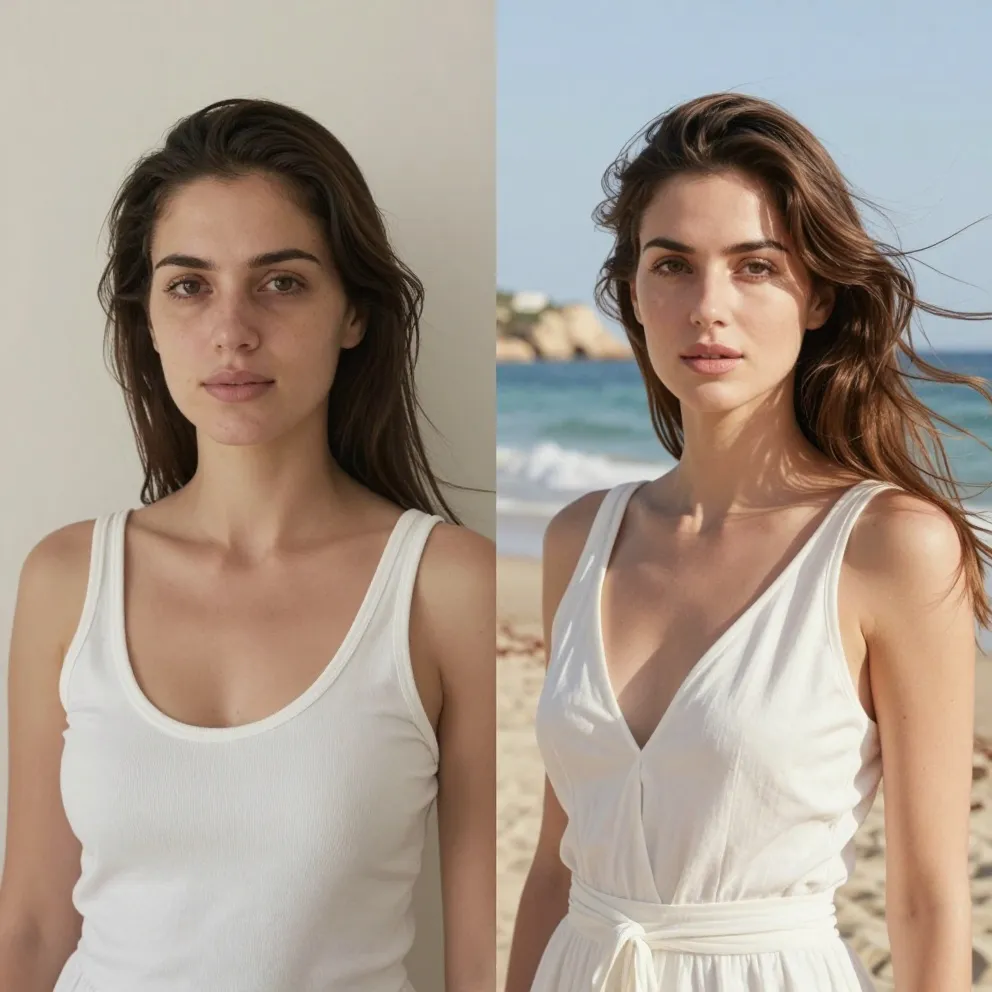
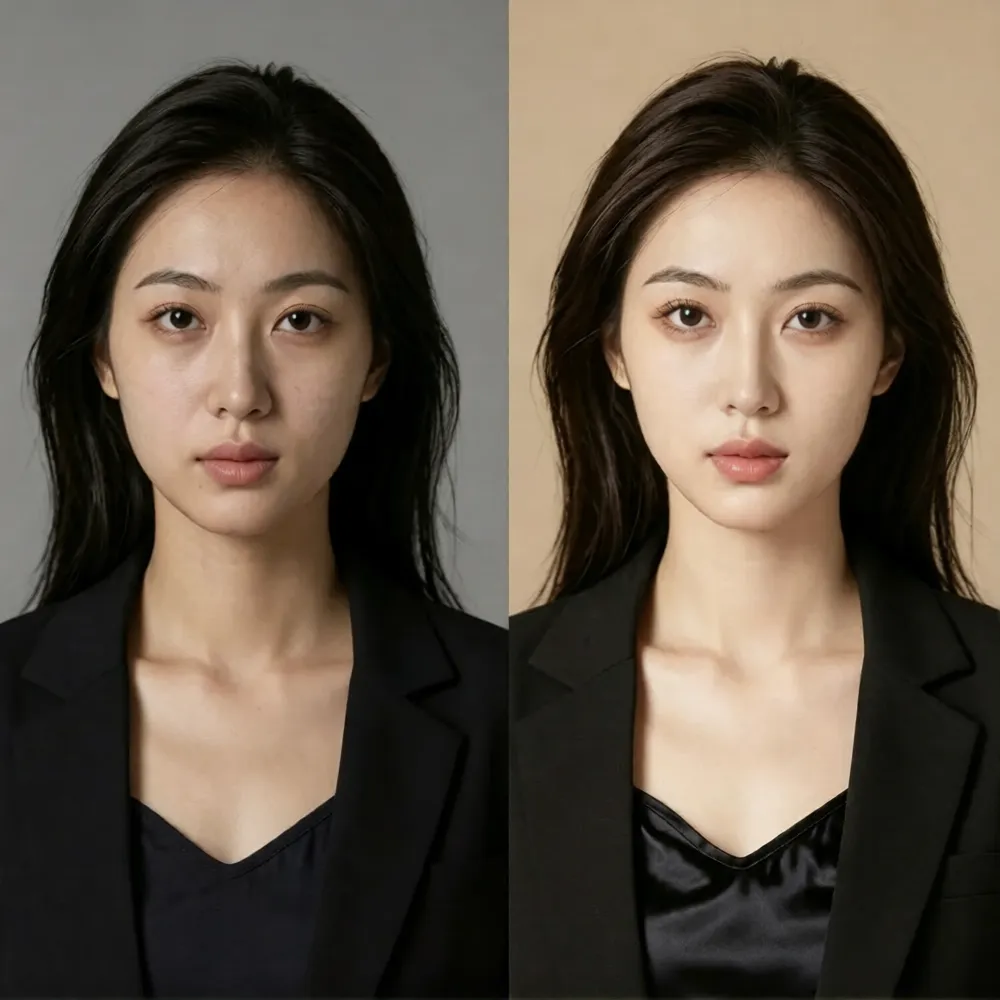
Replace Photo Backgrounds

Replace Photo Backgrounds

Move a portrait or product into a new setting while describing the lighting, color, and mood you want.
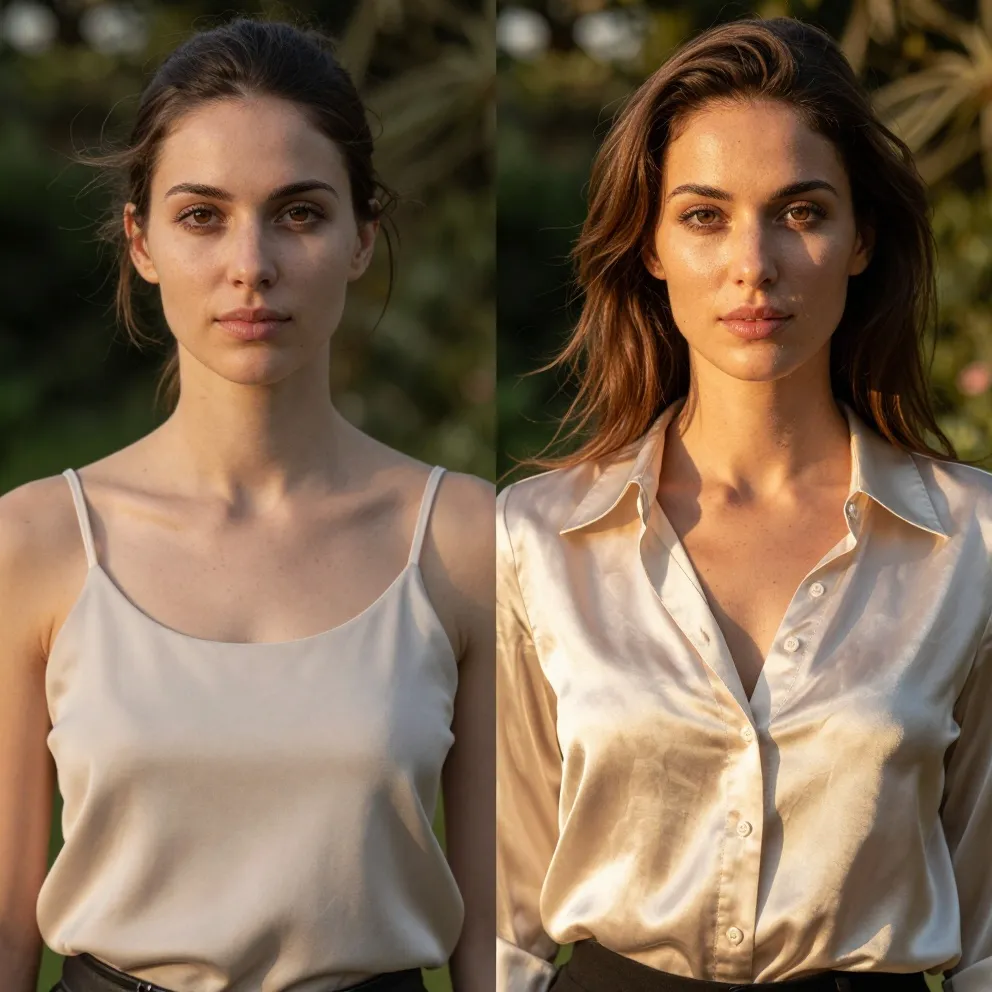
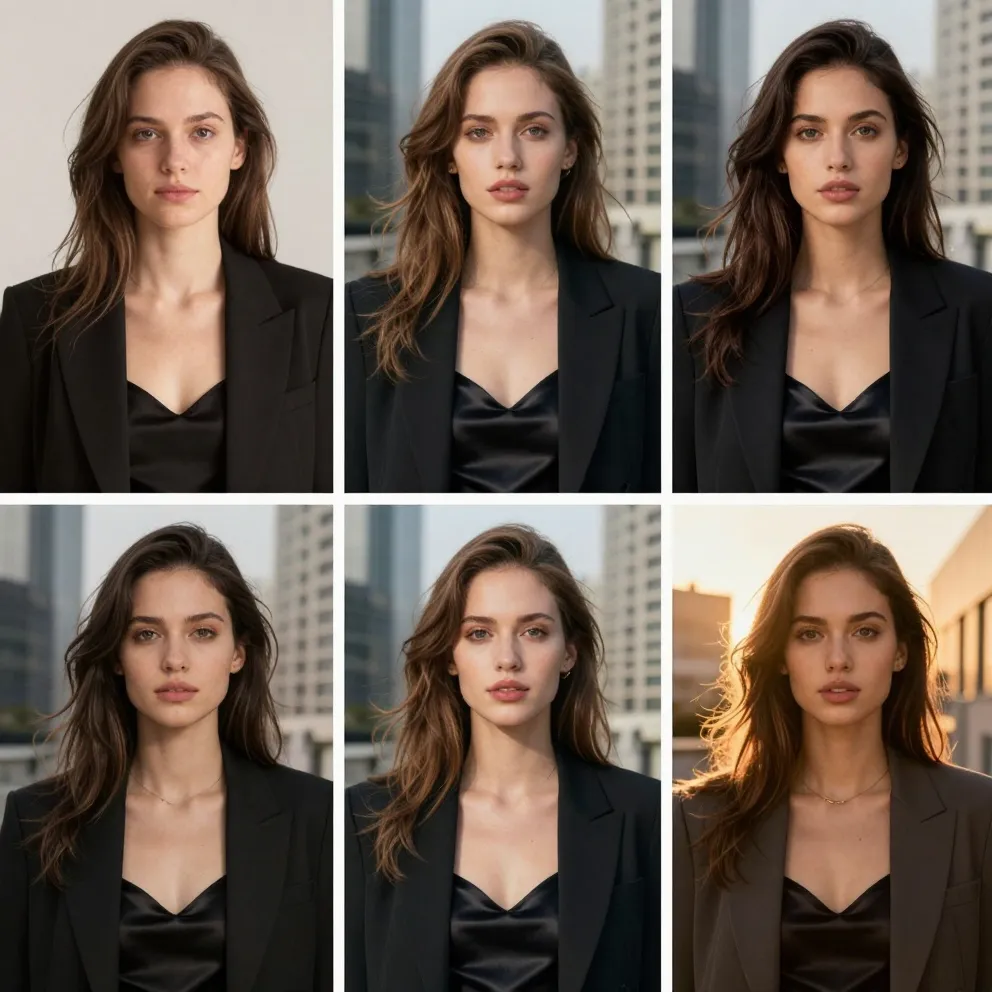
Enhance and Restyle Images

Enhance and Restyle Images

Improve clarity, refresh lighting, or create a new style while using the original photo as your reference.

Cómo editar una foto con IA online

Sube, describe, revisa y ajusta tu resultado en unos pasos sencillos.

1

Upload Your Photo

Choose the source image you own or have permission to edit.

2

Describe the Change

Write one clear prompt and name any details that must remain unchanged.

3

Review, Refine, and Download

Compare the result, adjust your prompt if needed, and save the version you prefer.

AI Photo Editing for Products, Portraits, and Social Media

Use the AI photo editor with a real photo and guide the result with a clear description of the change.

Product Photos

Clean up distractions and test backgrounds that keep the product clear and recognizable.

Example: “Remove the keys and use a warm studio background; keep the mug unchanged.”

Portraits

Refine the setting or overall look while explicitly preserving identity and natural skin texture.

Example: “Use soft window light and a neutral office background; keep the face unchanged.”

Social Media

Create fresh campaign variations from an existing photo without rebuilding the layout from scratch.

Example: “Create a bright summer color grade with clean negative space on the left.”

Tus fotos, privacidad y derechos de uso

The AI photo editor should only be used with photos you own or have permission to edit. Avoid deceptive, harmful, or non-consensual edits. Free credits and model-specific limits may apply, and the editor will ask you to sign in or upgrade when more credits are needed.

Frequently Asked Questions About the AI Photo Editor

Straight answers about editing, credits, formats, and responsible use.

What is an AI photo editor, and how does it work?
An AI photo editor changes an uploaded image from a written prompt. Upload a photo, describe what to remove, replace, enhance, or restyle, then review the generated result and refine your prompt if needed.
Is the AI photo editor free to use?
It is free to try with available credits. Each model shows its credit cost before you generate, and additional edits may require signing in or purchasing more credits.
Do I need to sign up before editing a photo?
You can open the editor and prepare an edit without signing up. Guest verification and usage limits apply, and the editor may ask you to sign in when guest credits are exhausted.
Does the free AI photo editor add a watermark?
The editor does not promise watermark-free output for every model or plan. Check the generated preview and the current model terms before using an image in a final project.
What image formats and file sizes are supported?
The upload control accepts the formats and size limits shown in the editor. If an upload is rejected, convert it to a common web image format or reduce its file size and try again.
Can I remove objects or replace a background with a text prompt?
Yes. Upload a clear source image and describe the exact object or background change. A focused prompt usually preserves unrelated parts of the photo more reliably.
How can I keep a person or product consistent while editing?
Name the details that must stay unchanged, such as face, pose, logo, shape, colors, or texture. Make one change at a time and compare each result with the original.
Can I use edited images commercially?
Commercial use depends on your rights to the source photo, the selected model terms, and third-party rights. Review the terms before publishing or selling an edited image.
Why did my edit change a face, logo, text, or small detail?
Generative edits may reconstruct nearby details. Use a more specific prompt, ask the model to preserve important elements, and retry with a cleaner or higher-resolution source image.
What should I do if an AI photo edit looks unrealistic?
Describe one change at a time, remove conflicting instructions, specify the lighting and perspective, and generate another version. Small prompt refinements often produce a more natural result.
Are there safety or content restrictions?
Yes. Safety, copyright, privacy, and abuse-prevention rules still apply. Do not use the editor for harmful, deceptive, infringing, or non-consensual content.

Edit Your Photo with AI

Upload a photo, describe the result you want, and refine it online.