AI Image To Video Generator
Bring still images to life with prompt-guided AI motion and downloadable video results.
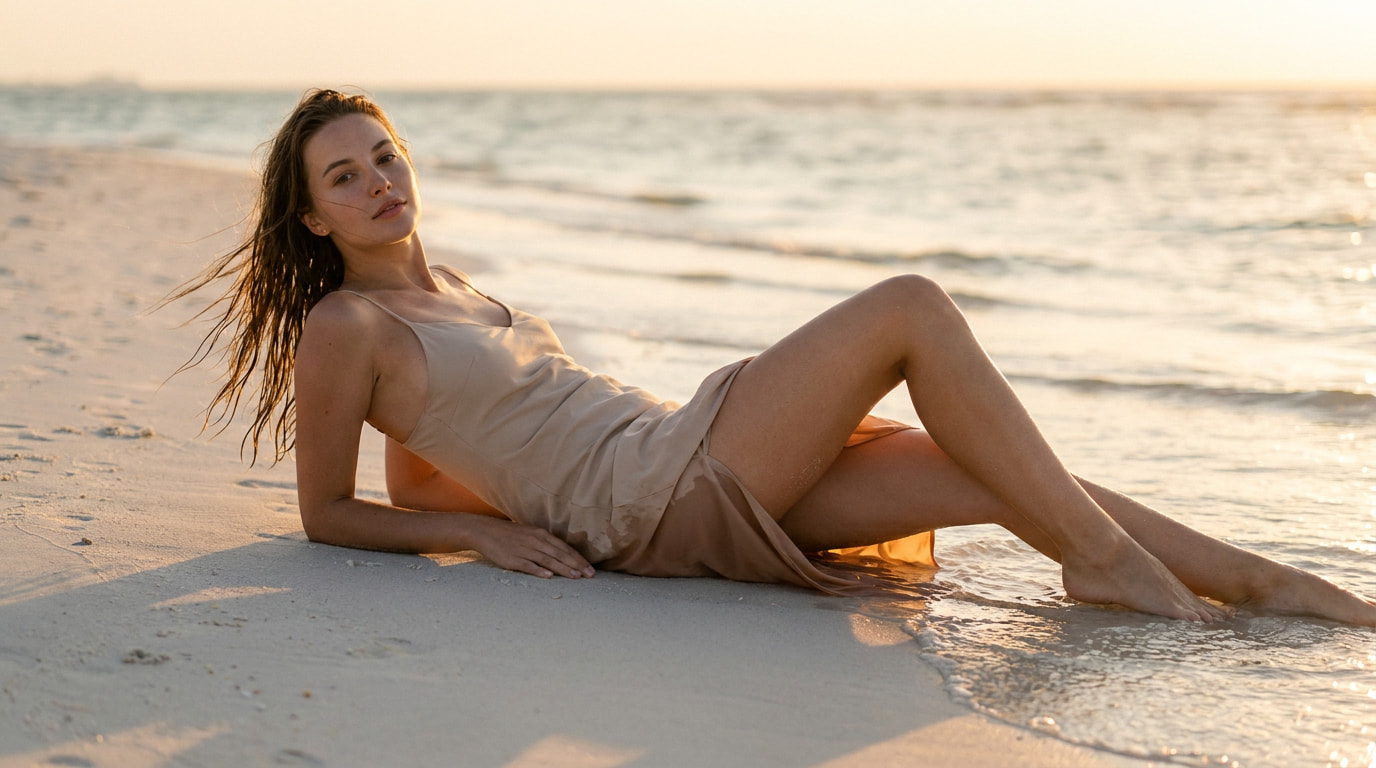
History is kept for 24 hours. Older items are automatically removed.
Image to Video AI - Animate Photos Online
Use Image to Video AI to transform portraits, products, artwork, and landscapes into short motion clips. Upload one image, write a clear motion prompt, choose a resolution, and generate a video from your browser.
What is an AI Image to Video Generator?
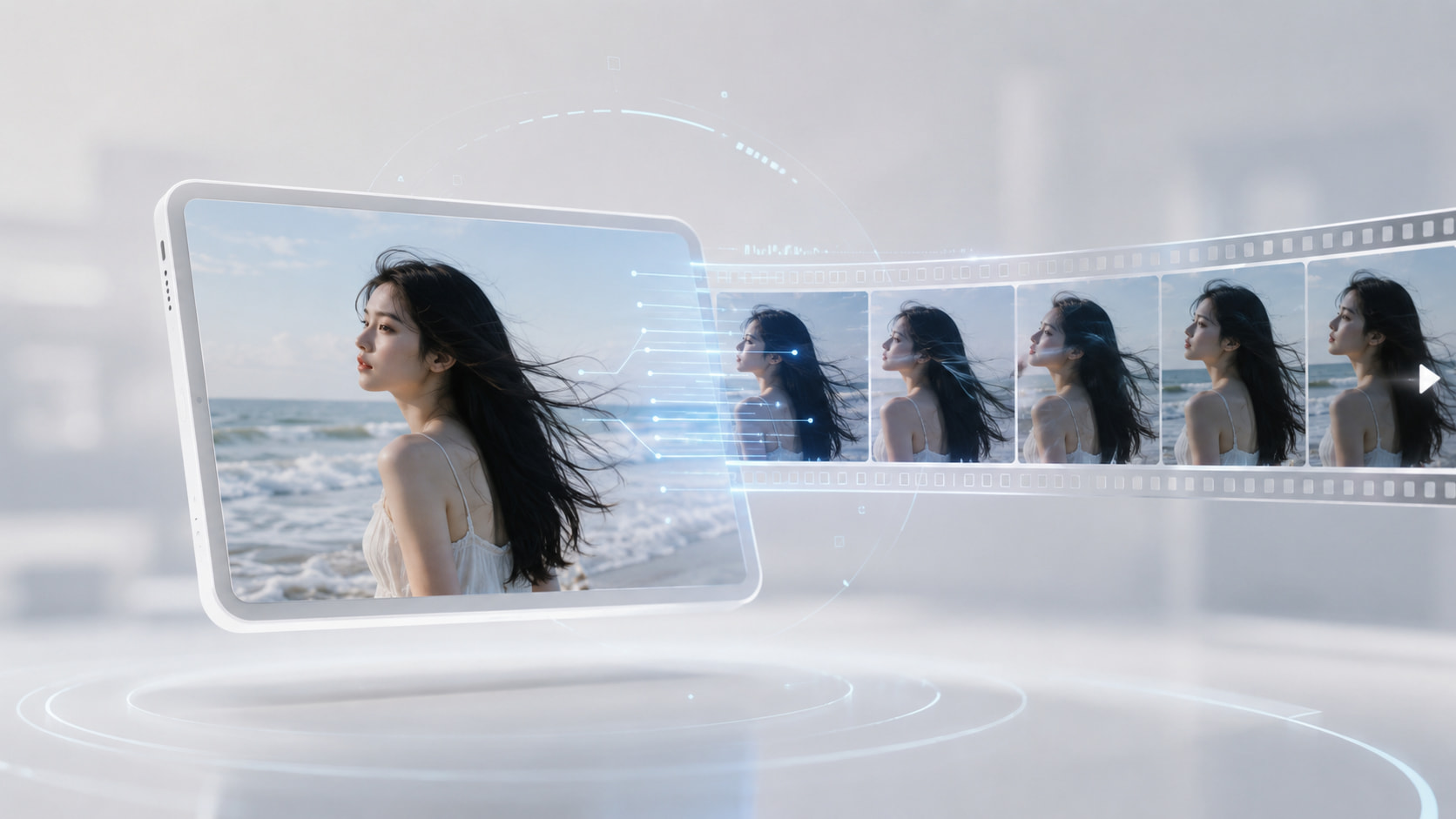
An AI image to video generator uses a still image as the first frame and visual reference, then creates new frames that add natural motion over time. Your text prompt controls the subject action, camera movement, facial expression, background atmosphere, and scene direction. It is a fast way to turn static photos into social clips, product videos, animated artwork, and creative experiments without editing software.
Why Choose Our Image to Video AI?
Natural Motion from One Image
Animate portraits, product photos, illustrations, character art, and landscapes while keeping the uploaded image recognizable.
Prompt-Based Video Control
Describe camera movement, subject actions, expressions, lighting changes, or environmental effects in plain language.
Simple Online Workflow
Upload, prompt, select 480p or 720p, generate, preview, and download your MP4 video from one focused workspace.
What Image To Video AI Can Do for You
Create Social Media Motion Clips
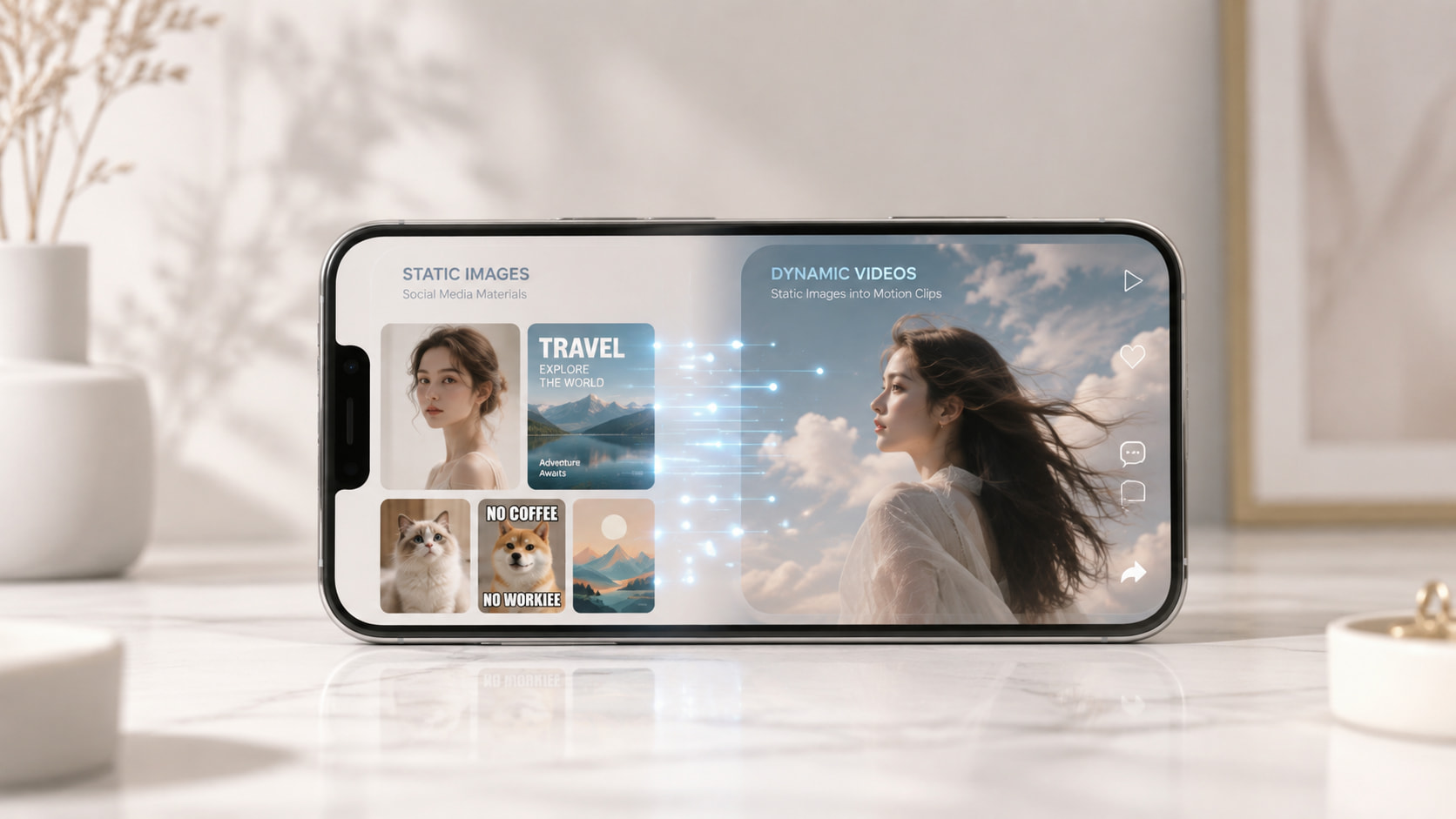
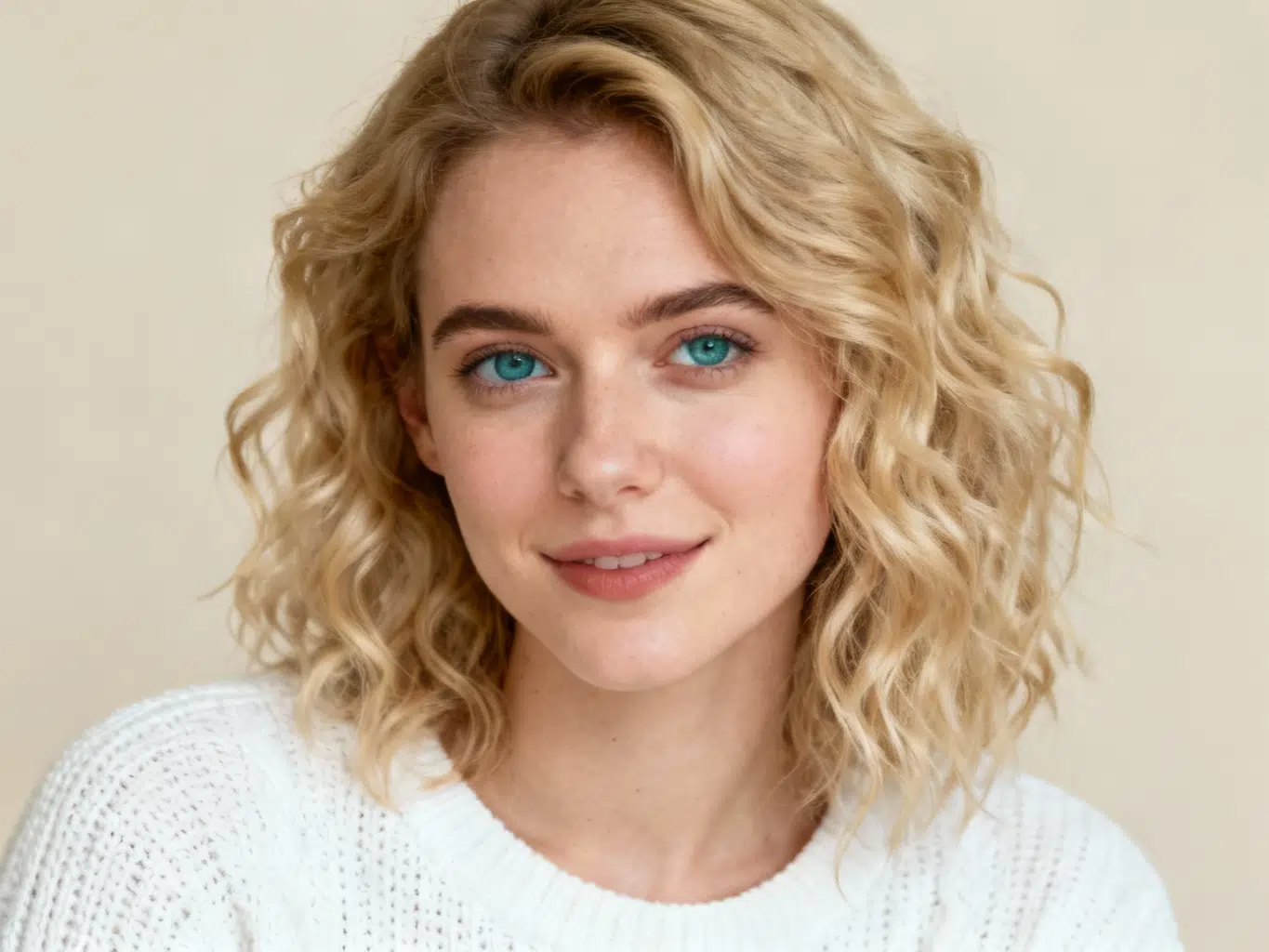
Turn static posts, portraits, memes, AI artwork, and campaign images into short videos that feel more dynamic in feeds. A simple prompt can add a slow zoom, a gentle smile, moving hair, drifting clouds, or a cinematic camera push so your content stands out without manual editing.
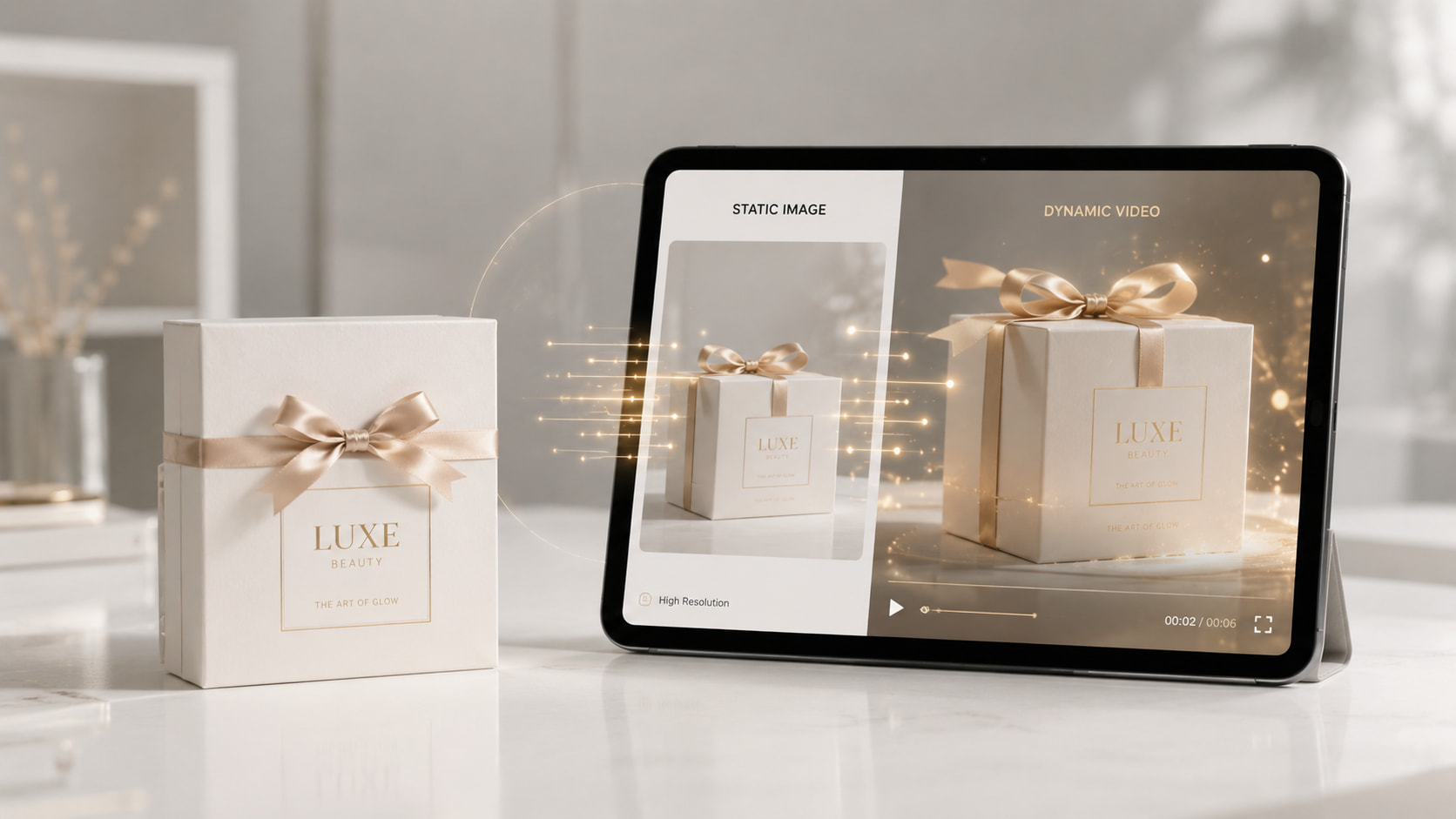
Make Product Visuals More Engaging
Use photo to video AI to add subtle movement to product photos, packaging shots, or brand visuals. You can request camera pans, light sweeps, floating details, or background motion to create richer presentations for ads, landing pages, ecommerce stores, and pitch decks.
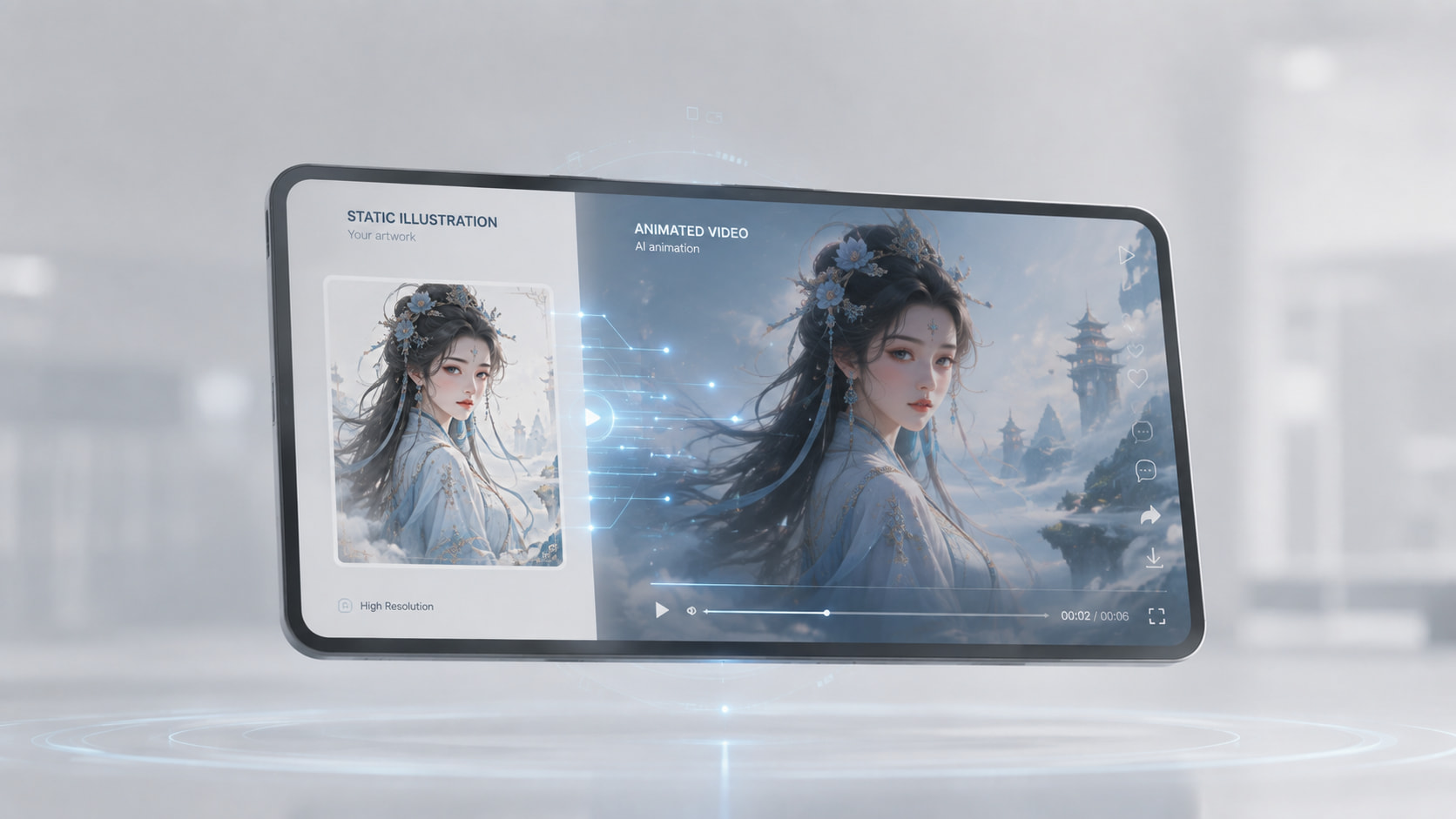
Animate Creative Artwork and Portraits
Bring illustrations, fantasy scenes, character concepts, and portraits to life. Image to Video AI helps creators test motion ideas quickly, explore story moments, and convert a still visual into a polished clip while preserving the original composition and identity.
How to Convert an Image to Video
Upload Your Image
Choose a clear PNG, JPG, JPEG, or WebP file. The image becomes the first frame and gives the AI the visual structure for the video.
Describe the Motion
Write what should move, how the camera should behave, and what mood the video should have. Then select 480p for faster drafts or 720p for a sharper result.
Generate and Download
Start the generation, wait for the result, preview the MP4 video, and download it for social media, marketing, design reviews, or creative projects.
What Users Are Saying About Image To Video AI
"I turned product photos into short motion clips for ads in minutes. The prompt control makes quick creative testing much easier."
"This is perfect for animating concept art. I can test camera movement and atmosphere before committing to a larger video workflow."
"I used it for portrait posts and the results felt polished without needing animation software. The workflow is clear and fast."
Frequently Asked Questions About Image To Video AI