
AI Text to Video Generator Free - Create Videos From Text
Create free videos from text with an AI text to video generator. Turn prompts, scripts, and ideas into video online.

Create Videos From Text
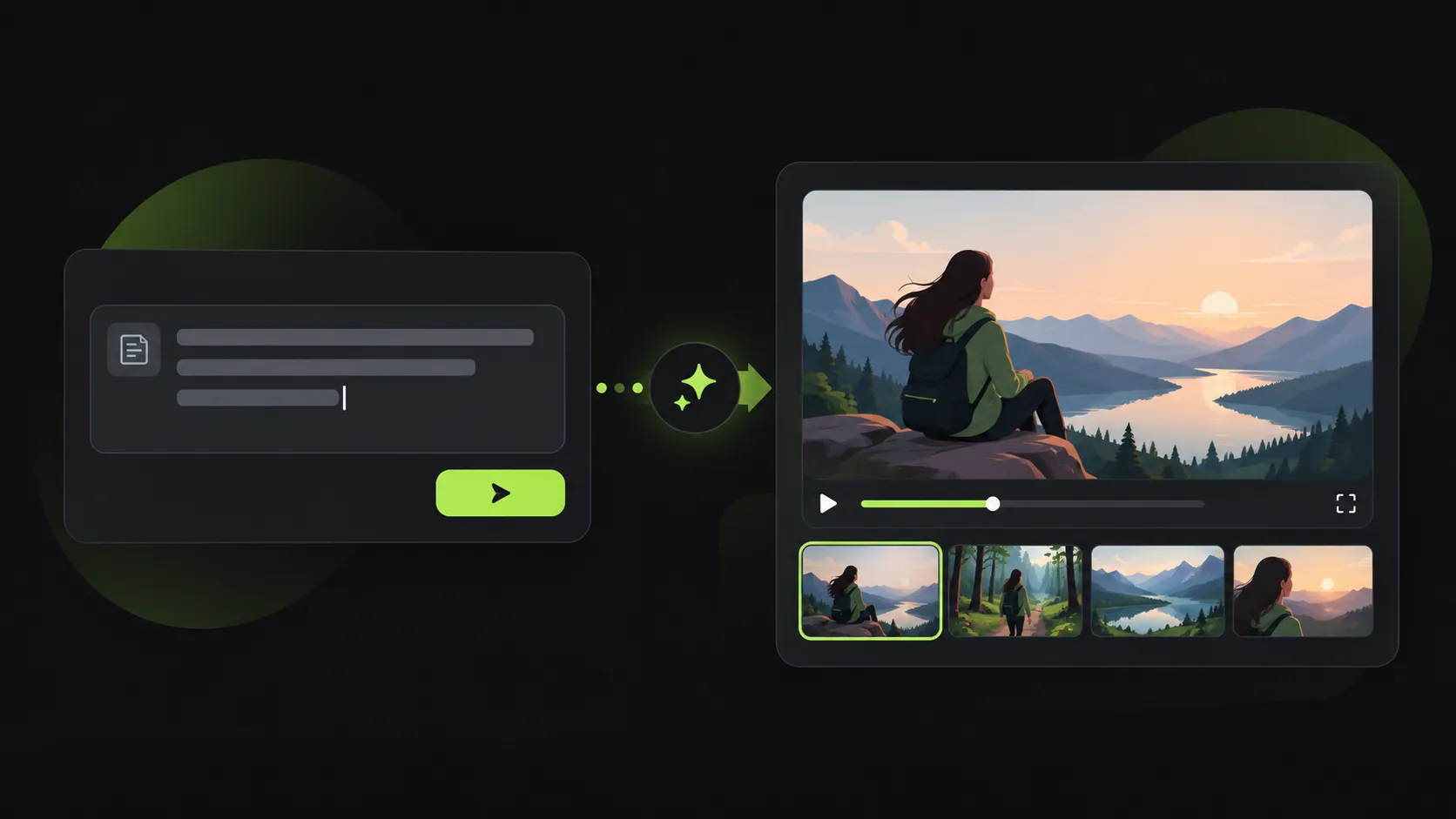
Write what you want to see and generate a visual draft without filming or a complicated editing workflow.

Why Choose Our Text to Video Generator
Create useful video drafts from an idea in seconds, with controls that keep the creative direction in your hands.
Understand the Meaning Behind Your Text
The generator analyzes the relationship between objects, environments, and actions to better match your original idea.
Generate Videos Faster From Ideas
Preview visual directions earlier and adjust creative concepts without preparing footage or a full editing timeline.
Flexible Creation From Your Description
Describe your own scene, style, and movement instead of being limited to fixed templates.
What Can You Create With Text to Video AI?
Move from a written concept to a visual draft, explore different directions, and share ideas faster.
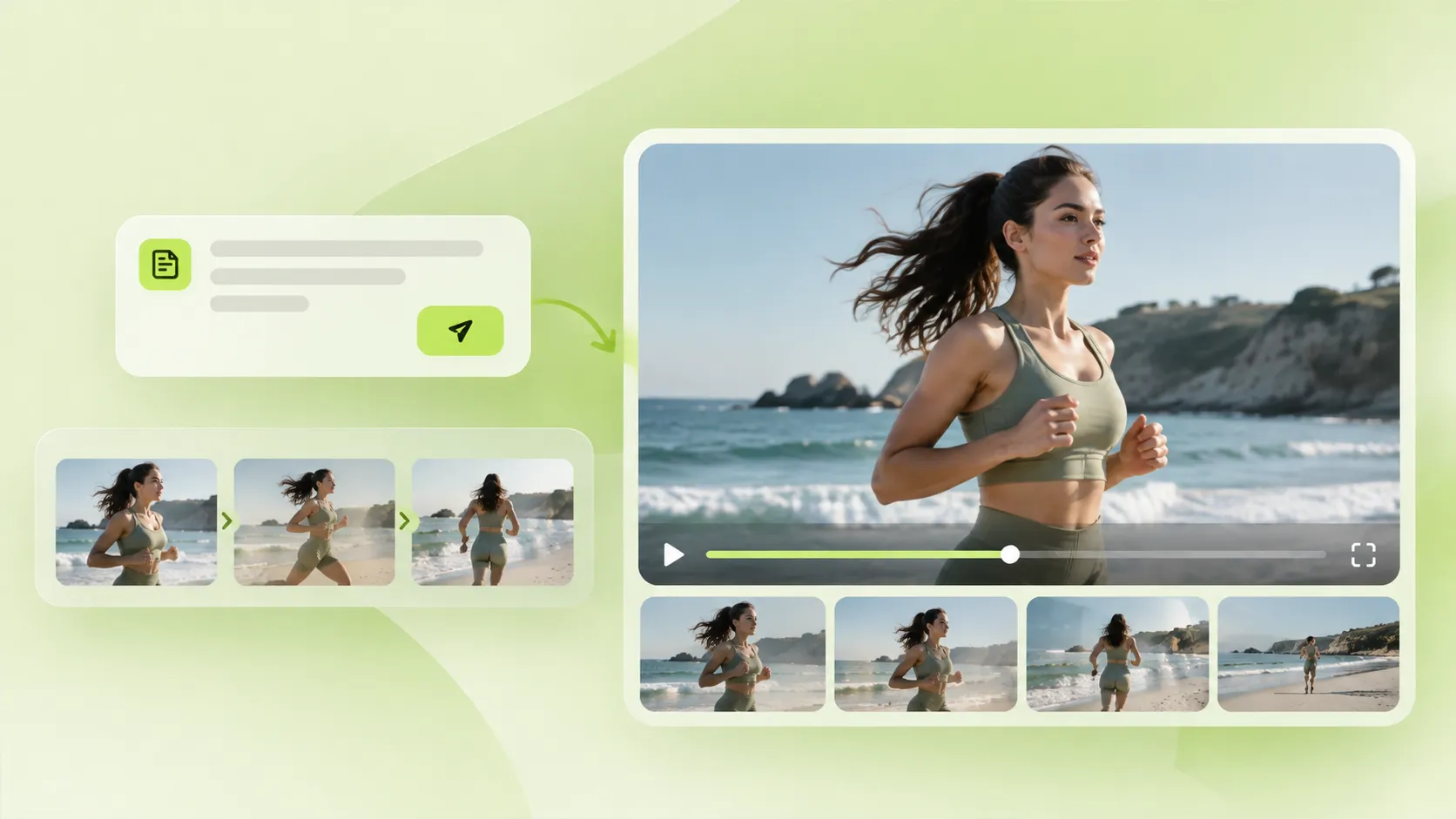
Turn Written Concepts Into Visual Drafts
See how a scene or story direction might look before investing more time in production.
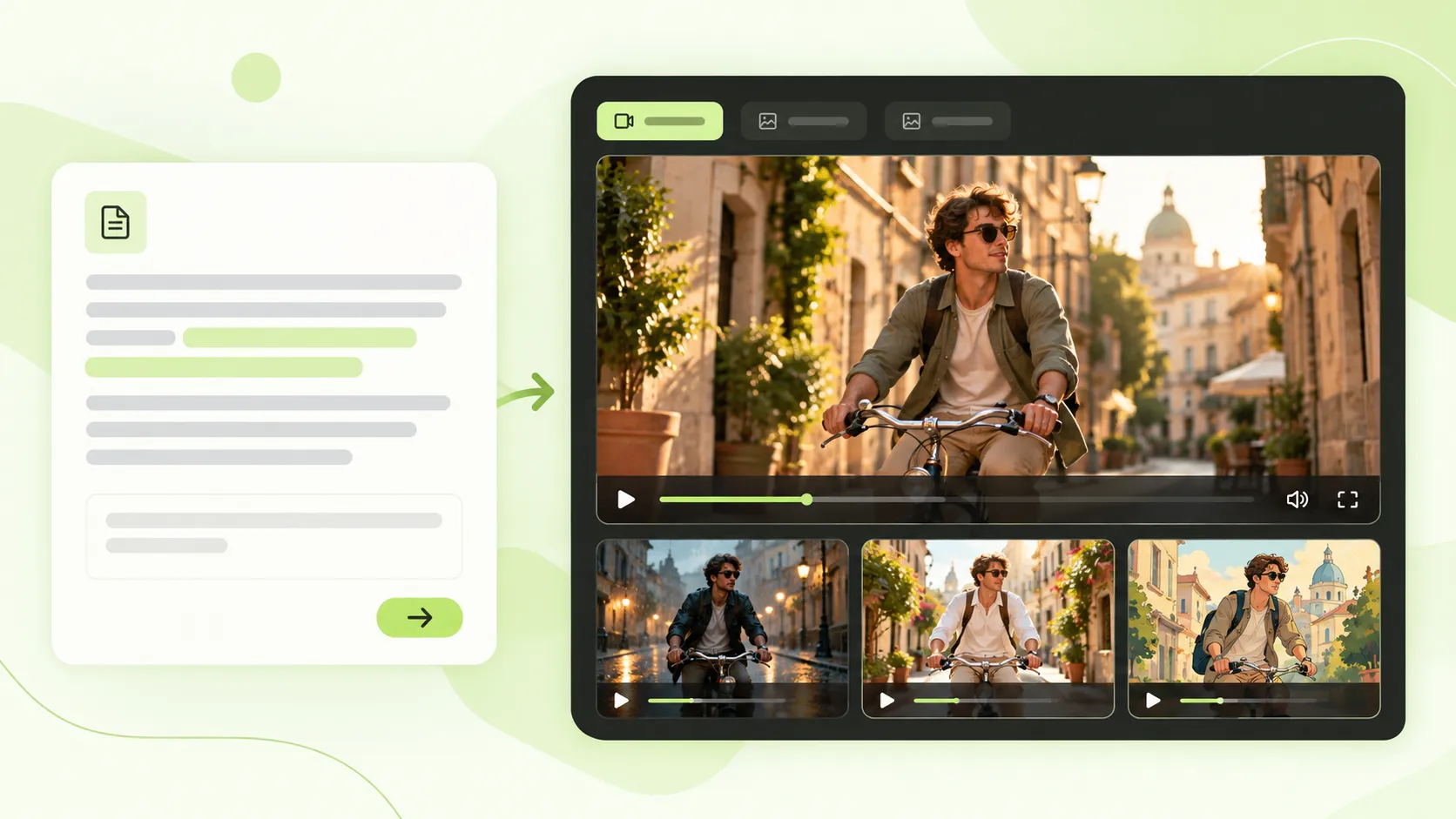
Generate Videos From Text Prompts
Test different styles, compositions, and visual approaches from one concept.

Create Video Content More Efficiently
Reduce the gap between having an idea and creating a video you can discuss or share.
How To Use Text to Video Generator
Start with a clear description and let AI handle the first visual version.
Enter Your Text Description
Describe the subject, scene, movement, camera, and visual style.
Generate Your AI Video
The AI analyzes your prompt and creates a video based on the instructions.
Review and Export
Watch the result, then download the MP4 video for your next project.
Text to Video Generator User Reviews
Creators use text prompts to communicate and test visual ideas faster.
"I often have concepts that are difficult to explain with words alone. Text to video helps me visualize ideas before full production."

"Writing a description and generating a video is a much simpler workflow than spending weeks learning editing tools."

"Showing a generated video helps my team understand a creative direction faster than an explanation alone."

Frequently Asked Questions About Text to Video
Learn how to get better results from an AI video generator.